Install httpd2015/01/17 |
|
Install httpd to configure Web server. HTTP uses 80/TCP.
|
|
| [1] | Install httpd. |
|
[root@www ~]#
yum -y install httpd # remove welcome page [root@www ~]# rm -f /etc/httpd/conf.d/welcome.conf # remove default error page [root@www ~]# rm -f /var/www/error/noindex.html # create a link for Perl [root@www ~]# ln -s /usr/bin/perl /usr/local/bin/perl |
| [2] | Configure httpd. |
|
[root@www ~]#
vi /etc/httpd/conf/httpd.conf # line 44: change ServerTokens Prod
# line 74: change to ON KeepAlive On
# line 251: Admin's address ServerAdmin root@srv.world
# line 265: change to your server's name ServerName www.srv.world:80
# line 320: change (enable CGI and disable Indexes) Options FollowSymLinks ExecCGI
# line 327: change AllowOverride All
# line 391: add file name that it can access only with directory's name DirectoryIndex index.html index.cgi index.php
# line 524: change ServerSignature Off
# line 747: comment out # AddDefaultCharset UTF-8
# line 778: uncomment and add file-type that apache looks them CGI AddHandler cgi-script .cgi .pl
/etc/rc.d/init.d/httpd start Starting httpd: [ OK ] [root@www ~]# chkconfig httpd on |
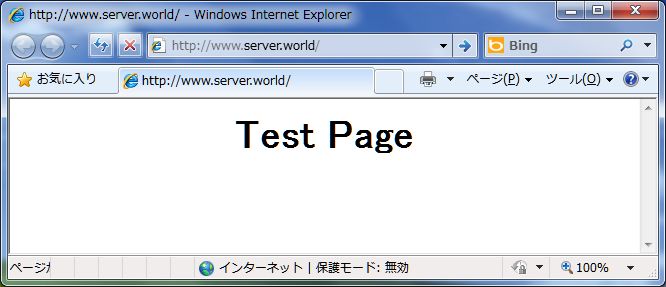
| [3] | Create a HTML test page and access to it with web browser. It's OK if following page is shown. |
|
[root@www ~]#
vi /var/www/html/index.html <html> <body> <div style="width: 100%; font-size: 40px; font-weight: bold; text-align: center;"> Test Page </div> </body> </html> |
|
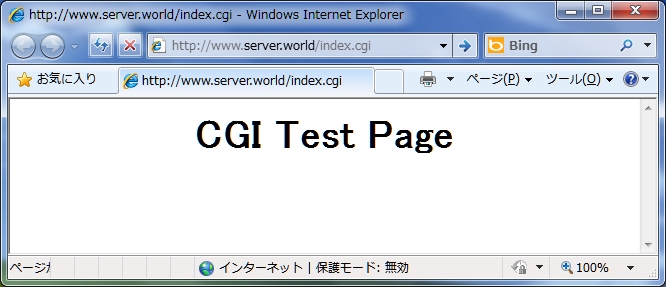
| [4] | Create a CGI test page and access to it with web browser. It's OK if following page is shown. |
|
[root@www ~]#
vi /var/www/html/index.cgi #!/usr/local/bin/perl print "Content-type: text/html\n\n"; print "<html>\n<body>\n"; print "<div style=\"width: 100%; font-size: 40px; font-weight: bold; text-align: center;\">\n"; print "CGI Test Page"; print "\n</div>\n"; print "</body>\n</html>\n"; chmod 705 /var/www/html/index.cgi |
|
Matched Content