Virtual Hostings2015/01/17 |
|
It's the example to configure virtual hostings. Following example is done as domain name
[srv.world (root directory[/var/www/html])], virtual domain name
[virtual.host (root directory[/home/cent/public_html])]. Before doing it, it's necessarry to add new doman name in your DNS first.
|
|
| [1] | Configure httpd for Virtual Hostings. |
|
[root@www ~]#
vi /etc/httpd/conf/httpd.conf # line 972: uncomment NameVirtualHost *:80 # add follows to the end: ( for original domain ) <VirtualHost *:80>
DocumentRoot /var/www/html ServerName www.srv.world </VirtualHost> # add settings for virtual domain <VirtualHost *:80>
DocumentRoot /home/cent/public_html ServerName www.virtual.host ServerAdmin webmaster@virtual.host ErrorLog logs/virtual.host-error_log CustomLog logs/virtual.host-access_log combined </VirtualHost> /etc/rc.d/init.d/httpd restart Stopping httpd: [ OK ] Starting httpd: [ OK ] |
| [2] | Access to the test page that is for original domain, it's OK if possible. |

|
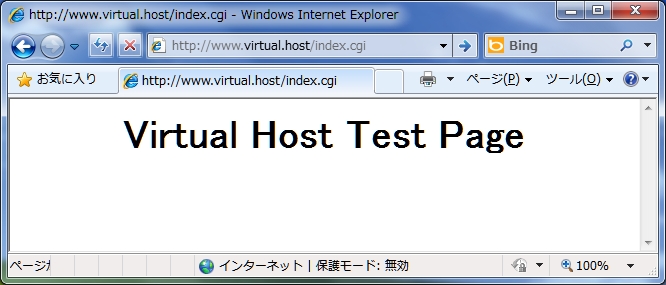
| [3] | Access to the test page that is for virtual domain, it's OK if possible. |
|
[cent@www ~]$
vi ./public_html/index.cgi #!/usr/local/bin/perl print "Content-type: text/html\n\n"; print "<html>\n<body>\n"; print "<div style=\"width: 100%; font-size: 40px; font-weight: bold; text-align: center;\">\n"; print "Virtual Host Test Page"; print "\n</div>\n"; print "</body>\n</html>\n"; chmod 705 ./public_html/index.cgi
|
|
Matched Content