File transfer with SFTP2015/01/13 |
|
Transfer files with SFTP. Install WinSCP on your PC in order to do it.
|
|
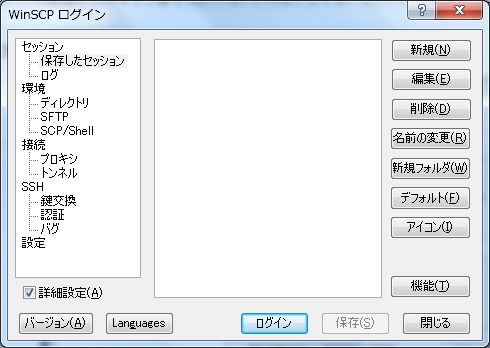
| [1] | Install and start WinSCP, then following screen is shown. Click 'New' button. |
|
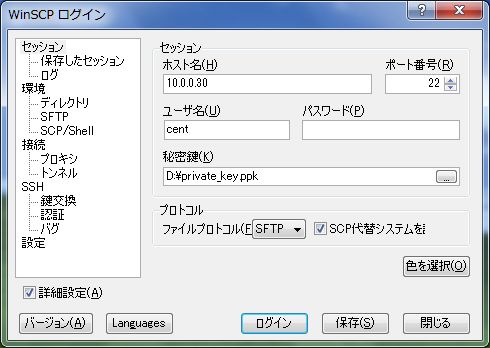
| [2] | Following screen is shown. Input informations to login like follows. For private key file, Use the one made in the section SSH - Keys Authentication. Click 'Login' button if it's OK all. |
|
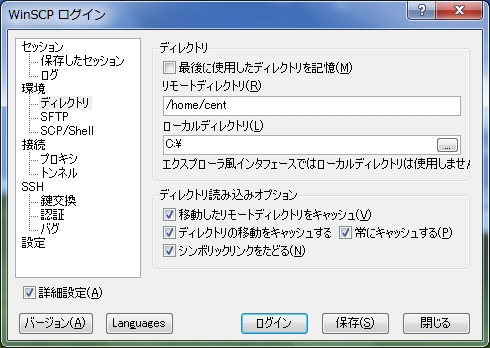
| [3] | Move to the 'Direcroty' section and input remote server's directory and local client directory you want to login. Next, click login button. |
|
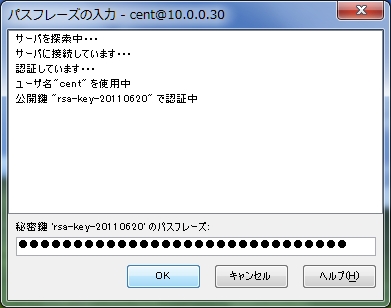
| [4] | Input your passphrase. |
|
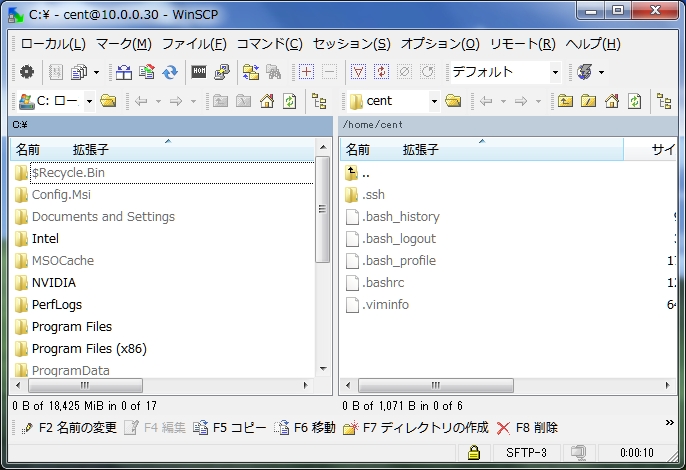
| [5] | Just logined. It's possible to upload or download files. |
|
Matched Content